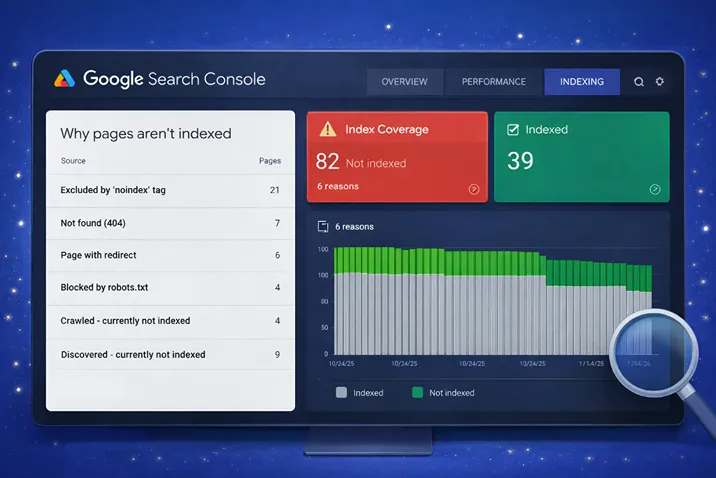
Coverage errors in Google Search Console represent a specific indexing problem: pages that should be indexed but are not. These errors indicate that search engines attempted to process pages but couldn't add them to the search index.
Understanding what causes coverage errors and how to resolve them is essential for ensuring that important pages are discoverable in search results. Each error type reflects a different underlying issue that requires specific correction.
This article explains how to identify coverage errors, understand what each error means, and implement fixes that restore indexing.
What Coverage Errors Indicate
Coverage errors appear in Google Search Console when a page is discoverable by search engines but cannot be added to the search index. These are distinct from issues where pages are never crawled—coverage errors imply that Google attempted indexing but encountered a specific barrier.
Common causes include noindex tags, redirect loops, server errors, or content issues that prevent successful indexing. Each category of errors requires different diagnostic steps and solutions.
Addressing coverage errors is often the first step in improving search visibility because they represent a hard block—pages cannot rank if they are not indexed, regardless of content quality or relevance signals.
Common Coverage Error Types
Google Search Console categorizes coverage errors into distinct types, each with different root causes and solutions.
- Indexed, though marked as "noindex" – Page was indexed before noindex tag was added. Needs noindex removal or reindexing request
- Excluded by 'noindex' tag – Intentionally prevented from being indexed. Deliberate exclusion that may be correct or may need reversal
- Submitted URL appears as a different canonical URL – Duplicate or redirect issue where Google is consolidating pages
- Server error (5xx) – Website technical issues preventing indexing when Google crawls
- Redirect error – Chains of redirects or broken redirect paths preventing access
- Access denied – Robots.txt blocking or authentication issues preventing Google access
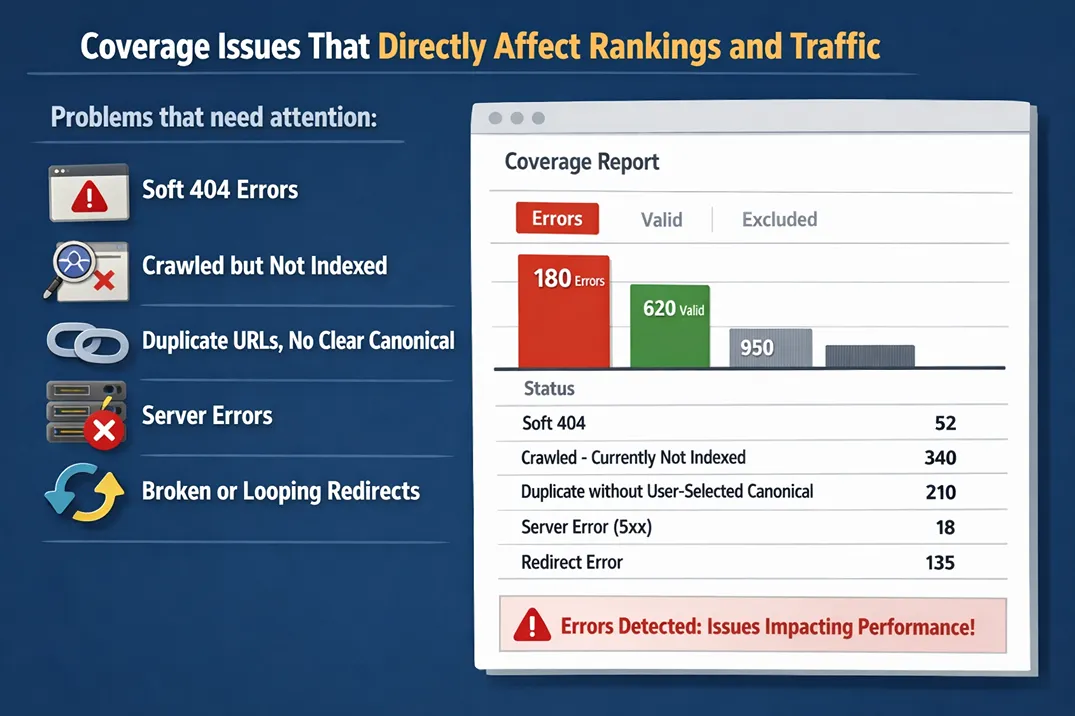
Google Search Console coverage report showing error and excluded page statuses
How to Identify Coverage Errors
The Coverage section in Google Search Console lists all pages Google has crawled and their indexing status. To identify coverage errors:
- 1.Go to Google Search Console and navigate to Coverage
- 2.Filter by "Error" to see only pages with indexing problems
- 3.Review each error type and affected page counts
- 4.Click each error category to see specific URLs affected
- 5.Test individual URLs to understand the specific issue
Priority should go to categories affecting the most pages, as these represent the largest visibility impact.
How to Fix Coverage Errors
Fixing coverage errors requires identifying the specific cause and implementing the appropriate correction. Different error types require different solutions.
Common fixes include:
- Noindex errors: Remove noindex tag from pages that should be indexed, or verify the tag is intentional
- Server errors: Investigate server logs for 5xx errors, fix hosting/technical issues
- Redirect errors: Check redirect chains, repair broken redirects, simplify paths
- Canonical issues: Review canonical tags, fix self-referential canonicals
- Access denied: Check robots.txt for blocking rules, ensure authentication doesn't block googlebot
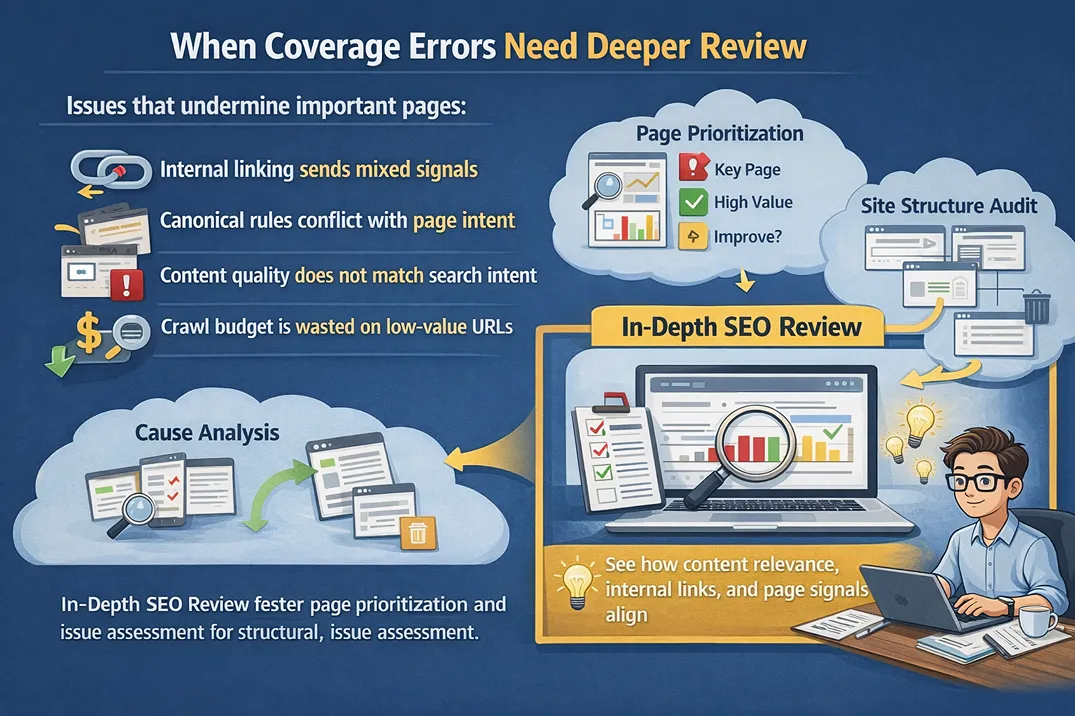
SEO review process showing page prioritisation and issue assessment
When to Prioritize Coverage Error Fixes
Not all coverage errors require immediate attention, but some should be prioritized based on their impact on visibility and business goals.
High priority errors are those affecting important pages (service pages, product pages, high-traffic content) or affecting large numbers of pages. Low priority errors may be on pages that were never meant to be indexed, internal test pages, or obsolete content.
A technical SEO audit helps prioritize which coverage errors to fix first and which are acceptable exclusions, saving development time by focusing effort where it matters most.
Preventing Future Coverage Errors
Once coverage errors are resolved, preventing new ones requires ongoing attention to site structure, technical setup, and monitoring.
Best practices include:
- Regularly review Coverage in Search Console for new errors
- Set up server monitoring to catch 5xx errors early
- Test redirects before deploying changes
- Document noindex decisions to avoid accidental exclusions
- Review canonical tags during content updates
Monitoring for coverage errors should become part of ongoing SEO maintenance rather than something addressed only when problems become severe.